Use Bloomberg.
Type EQS and hit GO.
In the amber box under Add Screening Criteria type desired screening criteria and choose from suggested Top Matches.
Type multiple shares available to find securities with this attribute.
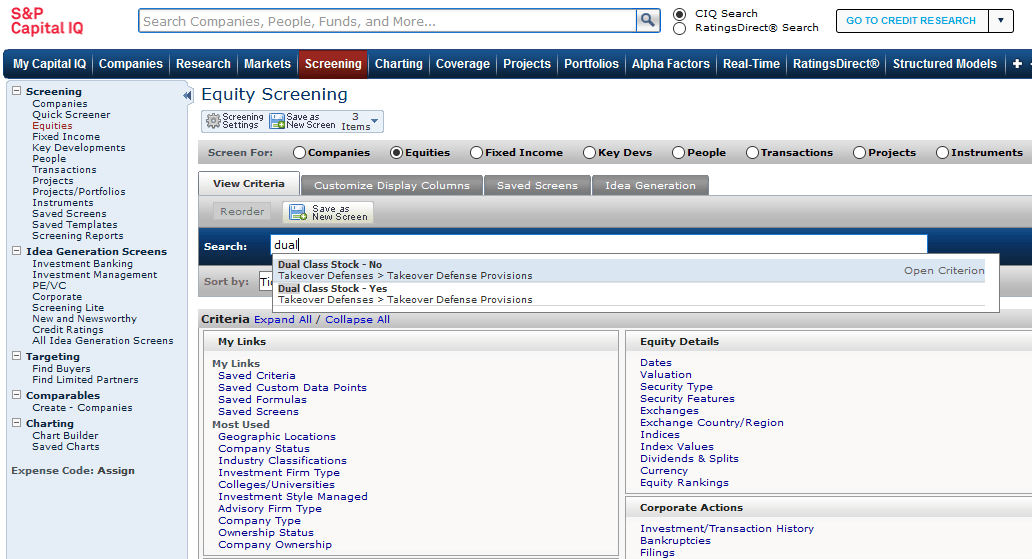
Hover over Screening then select Equities.
In the search box for criteria type in dual.
You can then select dual class stock -- yes
Still need help?
Our expert librarians are here to help you find what you’re looking for.